How to Fix AI-Generated Scientific Images Before Using Them
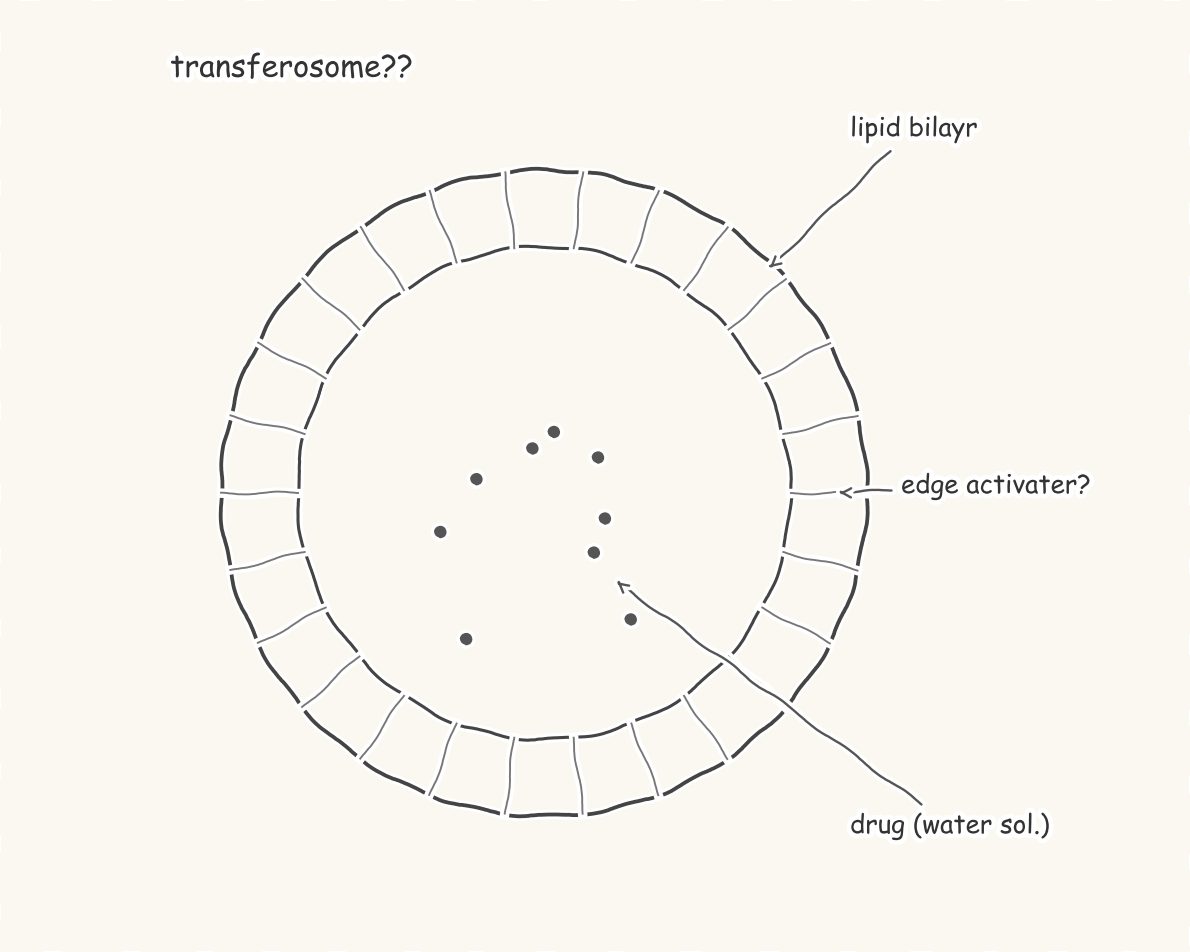
Image generators can make a nice-looking cell or nanoparticle in seconds, but the result is rarely ready for a paper or thesis. The usual problems are easy to spot once you know them.
Common problems
- Misspelt or made-up labels such as "mitochondira" or random letters.
- Wrong science: a lipid bilayer with heads facing inward, a drug in the wrong compartment, arrows pointing the wrong way in a pathway.
- Extra or missing parts: six legs on an insect, a nucleus in a bacterium.
- Low resolution and no layers, so you cannot edit a single label.
A quick checklist
- Read every label out loud and check the spelling against a textbook.
- Check each structure: is it the right shape, in the right place, in the right number?
- Check arrows: activation vs inhibition, direction of flow, order of steps.
- Check the resolution: most journals want at least 300 dpi at the printed size.
- Check your journal's policy on AI-generated images. Some do not accept them at all.
The fix: redraw it as a real figure
Instead of patching pixels, redraw the figure with correct shapes and typed labels. In SciFigures you can upload the AI image, say what it should show, and get it redrawn with code: spell-checked labels, correct structure, 300 dpi PNG and editable SVG. Because the figure is drawn from code, every label is real text you can edit later. Try it with the sketch to figure tool.
Make your figure nowDescribe it or upload a sketch. Free to start.
Open SciFigures
More guides
- How to Make a Graphical Abstract (Step by Step)
- Journal Figure Requirements: Size, DPI and File Formats
- How to Make Good Scientific Figures for Your Thesis
- Colour-Blind Friendly Colour Palettes for Scientific Figures
- How to Draw a Mechanism of Action Diagram
- How to Edit SVG Figures in PowerPoint, Illustrator and Inkscape
- Free BioRender Alternatives for Scientific Figures
- How to Make a Volcano Plot (and Read One)
- How to Calculate IC50 from a Dose-Response Curve
- Kaplan-Meier Survival Curve Explained (with Example)
- Drug Release Kinetics Models: Zero Order, First Order, Higuchi, Korsmeyer-Peppas
- How to Make a Forest Plot for a Meta-Analysis
- SD vs SEM Error Bars: Which Should You Use?
- How to Draw a Research Methodology Flowchart
- Figures for a B.Pharm or M.Pharm Project and Thesis
Popular tools
Graphical Abstract MakerTurn your paper's story into one clear visual summary for the journal submission system.Scientific Figure MakerMake clean, publication-quality figures for papers, theses and posters from a sketch or a sentence.Scientific Illustration MakerDraw polished scientific illustrations in a clean BioRender-like, journal or textbook style.Scientific Poster Figure MakerMake big, readable infographic panels for conference and research posters.Conceptual Framework Diagram MakerShow variables, relationships and hypotheses of your study in one tidy diagram.Biological Pathway Diagram GeneratorDraw metabolic and biological pathways with correct steps, enzymes and arrow directions.